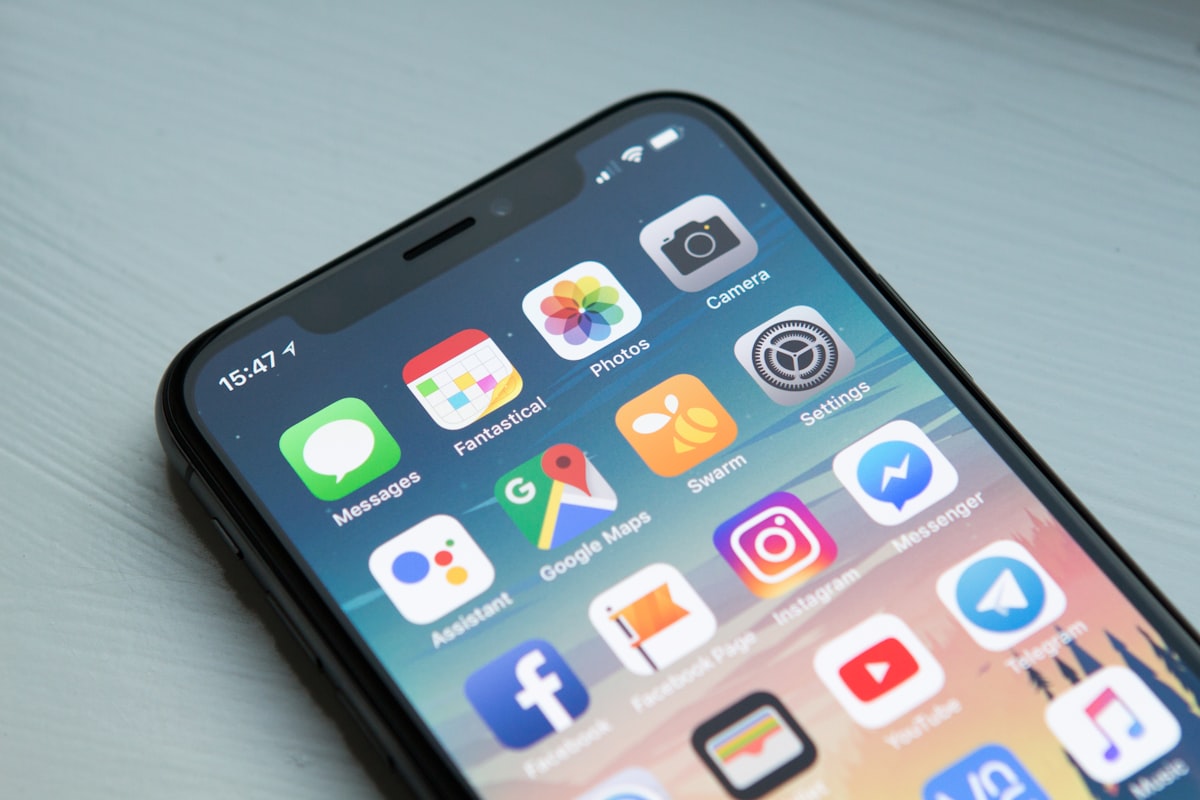
Your iPhone contains more computing power than the systems that sent astronauts to the moon. It also contains features that most users — even tech-savvy ones — have never discovered. We’ve compiled the most useful hidden and underused iPhone features, focusing on the ones that could genuinely improve your daily life, protect your privacy, or — in at least one case — potentially save your life in an emergency.

1. Emergency SOS via Satellite — The Feature That Could Save Your Life
If you have an iPhone 14 or later, your phone can connect directly to satellites to send emergency messages and share your location — even with zero cellular or WiFi signal. This feature works when you’re in the wilderness, a remote area, or anywhere traditional networks don’t reach.
To use it: open the Emergency SOS menu, then slide to “Emergency SOS via Satellite.” The phone guides you to point it at the sky and establishes a satellite connection. Several people have already been rescued using this feature in remote wilderness areas.
To find it: Settings → Emergency SOS → try Emergency SOS via Satellite to test your satellite connection in a real location (no charge for testing).
2. Back Tap — Your Secret Custom Button
Tapping the back of your iPhone twice or three times can trigger virtually any action: take a screenshot, open the camera, run a Shortcut, turn on the flashlight, scroll up or down, or activate accessibility features. It works reliably and doesn’t interfere with normal use.
Enable it: Settings → Accessibility → Touch → Back Tap → Double Tap or Triple Tap → choose your action.
3. Siri Can Read Any Text Aloud
Select any text on your iPhone (in Messages, Safari, emails, documents), tap the selected text, then choose “Speak” from the popup menu. Your iPhone will read the text aloud in a natural voice at a speed you control. Useful for proofreading, consuming long articles while walking, or accessibility needs.
Enable it: Settings → Accessibility → Spoken Content → toggle on Speak Selection.
4. Hide Your Real Email in Forms — Forever
When signing up for apps and websites, iOS can generate a unique, private relay email address that forwards to your real email but never reveals it. Every site gets a different fake address. If one starts spamming you, you disable that address without affecting others.
Use it: when any form prompts for email, choose “Sign in with Apple” or tap the email field and select “Hide My Email” from the keyboard toolbar (requires iCloud+ subscription).
5. Record Your Screen Without an App
Screen recording is built directly into iOS — no third-party app needed, no watermarks, full quality. Access it from Control Center (swipe down from top-right corner), tap the screen recording button, and get a 3-second countdown before recording begins. The recording includes audio from your phone’s microphone if you long-press the button and enable it.
Add it to Control Center: Settings → Control Center → add Screen Recording.
6. The Stolen Device Protection Feature You Might Not Have Turned On
iOS 17.3 introduced Stolen Device Protection — a critical security feature that requires Face ID (not your passcode) to change certain sensitive settings like Apple ID password or turning off Find My. This means even if a thief sees you enter your passcode, they can’t use it to access your most sensitive data.
Enable it: Settings → Face ID & Passcode → Stolen Device Protection.
7. Live Voicemail Transcription
iPhone transcribes your voicemails in real-time as callers leave them, letting you read what someone is saying before deciding whether to pick up. It works automatically on iOS 17+ with compatible carriers — no setup required. Check your Phone app’s Voicemail tab.
8. Automatically Delete One-Time Codes
Those 6-digit verification codes that clutter your Messages are automatically deleted by iOS after you’ve used them via AutoFill. Enable it: Settings → Passwords → Password Options → toggle on “Clean up Automatically.” Your messages will be dramatically less cluttered.
The Features Most People Ignore
Apple spends billions engineering features that the majority of users never discover. The company’s philosophy of hiding power-user features behind menus makes the device feel simple to beginners while offering extraordinary depth for those willing to explore. Your $1,000 smartphone may have capabilities you haven’t even scratched. Start with the Back Tap and Stolen Device Protection — then keep exploring.